




Winbeatz Casino App
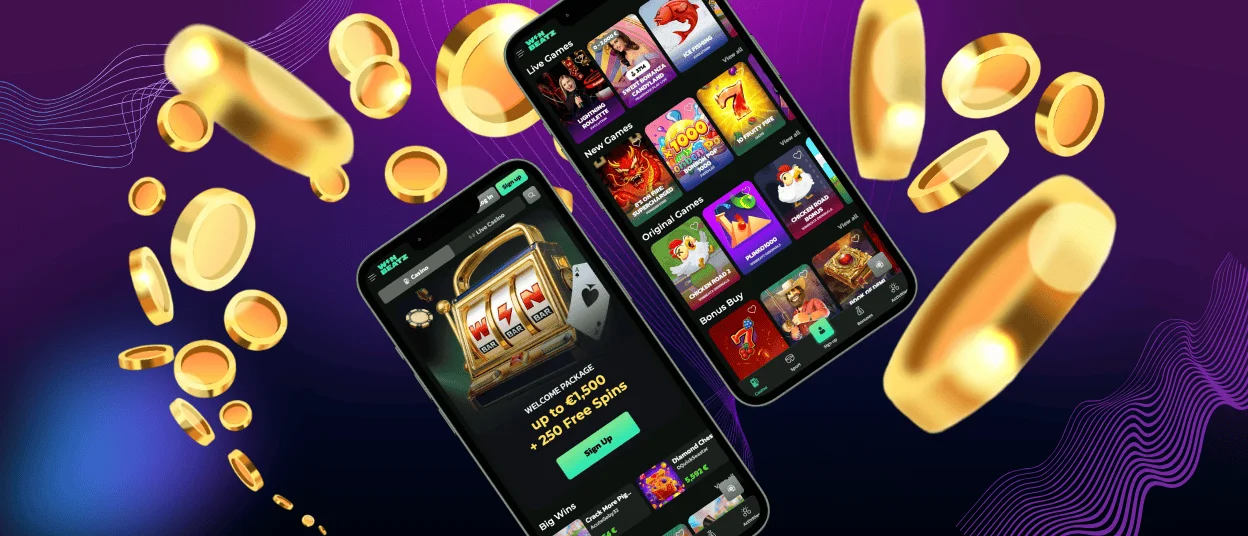
Winbeatz app is our browser-based PWA that gives you app-like access to the casino without any store download. Add a shortcut icon in your browser and open Win Beatz faster. This format works on Android, iOS, Windows, and macOS, with one consistent version.
The shortcut helps when you play in short sessions. It opens in a cleaner window with fewer browser elements, so the lobby feels less crowded on a small screen. You can also return to the section you used last, which saves taps. If you prefer a bigger display, Win Beatz also runs in desktop browsers with a one-click icon.

Key Features of the Winbeatz App
Winbeatz keeps the same flow across devices, but the PWA shortcut makes access faster and the interface cleaner on smaller screens. It uses minimal storage and stays up to date.
| Feature | How it works in Winbeatz | Why it helps |
| Home-screen icon | Save a shortcut in your browser and open the casino from an icon | Faster start for short sessions |
| App-style window | Opens in a focused view with fewer browser elements | More space for the lobby and games |
| Quick return | Reopens close to where you left off | Fewer taps to continue |
| Touch-friendly layout | Compact menus and clear tap targets | Smoother control on a phone |
| Search tools | Search helps you jump to a title like Sweet Bonanza | You browse less and play sooner |
| Favourites and recent | Saved and recent games stay linked to your profile | Easier return across devices |
Winbeatz App for Android
On Android, Winbeatz works best through Chrome as a PWA shortcut. The icon opens Winbeatz in an app-style view, so you keep the screen clean and the access direct. Chrome shows the shortcut option clearly. The PWA updates automatically through your browser.
Set up the Winbeatz shortcut in Chrome
- Open the official Winbeatz website in Chrome
- Tap the three-dot menu
- Select Add to Home screen (or Install app)
- Confirm and launch Winbeatz from the new icon
Winbeatz has no APK file. Avoid third‑party “Winbeatz APK” downloads from unknown sites.
Win Beatz App for iOS
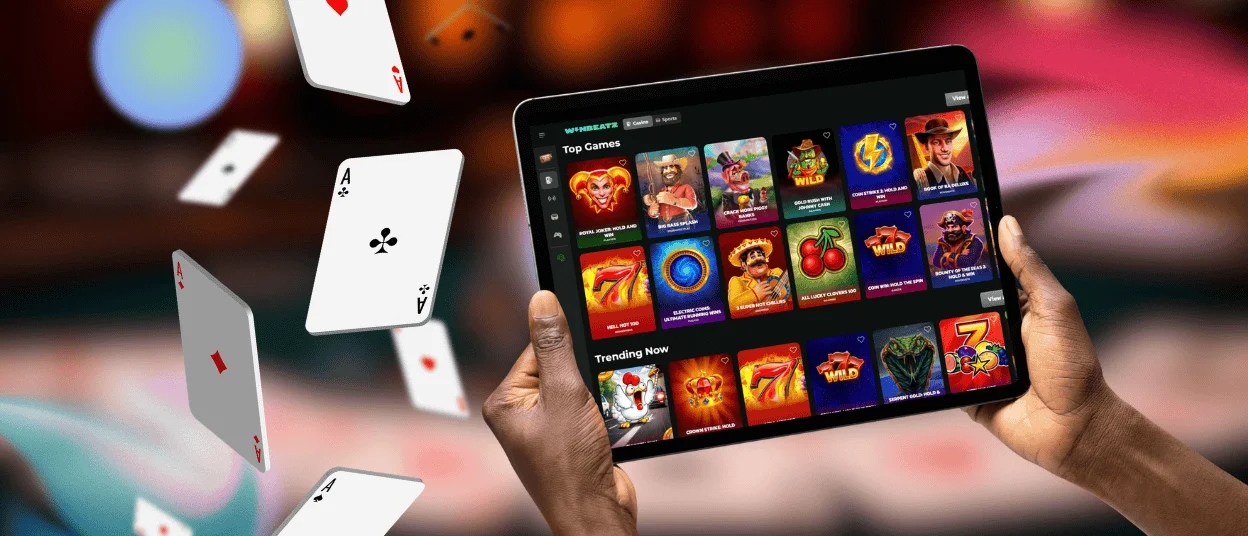
On iPhone and iPad, open Winbeatz in Safari and add a Home Screen icon. The layout stays readable for touch, and iPad gives you more space for Live Casino streams like Immersive Roulette. Safari keeps the Home Screen shortcut stable. On iPad, landscape mode shows more lobby tiles.
Create the Home Screen icon in Safari
- Open Winbeatz in Safari
- Tap Share
- Choose Add to Home Screen
- Tap Add to save the icon
Safari gives the most reliable result. In-app browsers may hide the shortcut option or end sessions faster.
Winbeatz on Windows and macOS
Winbeatz runs on Windows and macOS in modern browsers, with no classic desktop program. The larger screen helps you scan more of the lobby, use search with a keyboard, and keep live streams readable. Winbeatz desktop sessions also make navigation simpler when you compare categories or read promo terms, because you can keep more content visible at the same time.
Open Winbeatz with one click on desktop
Win Beatz can also work as a desktop PWA in Chrome or Edge. Install it or create a shortcut to open the casino in its own window. You can place the icon on your desktop and pin it to the taskbar or keep it in the Dock, depending on your system. When something loads incorrectly, update the browser and reload the page. Newer versions often fix menu and video glitches.
Frequently Asked Questions (FAQ)
Is Winbeatz a real app from Google Play or the App Store?
Winbeatz works as a Progressive Web App. Your browser creates the icon and opens the casino in an app-style window. You still use the website version, so you always load the current build when you open the shortcut.
What makes the Win Beatz shortcut safe to use?
The safe path starts with the official website in your address bar, then the shortcut option inside your browser menu. This avoids third‑party “installer” pages that offer copied links or APK files. Bookmark the site first if you want an extra check before you add the icon.
Will my settings stay the same when I switch between mobile and desktop?
Winbeatz links basic preferences and saved games to your profile after you sign in. This helps you keep the same favourites when you move between phone, tablet, and desktop. When something looks outdated, refresh the page or sign out and back in to update the session view.
I do not see “Add to Home Screen.” What should I do?
The option depends on the browser and the mode you use. On iPhone, open Winbeatz in Safari and use the Share menu. On Android, open the site in Chrome and look for “Add to Home screen” or “Install app.” Private browsing can block install prompts, so use a normal tab and update the browser if needed.
Can I remove the shortcut icon without deleting my account?
The Home Screen or desktop icon works as a shortcut, not as a separate application. When you delete the icon, you only remove the quick entry point from your device. Your Winbeatz account stays active, and you can still open the casino in a normal browser tab and add the Win Beatz icon again later.
What should I do if a game does not load or freezes?
Start with a refresh, because it often reconnects the session. If the issue repeats, switch between Wi‑Fi and mobile data, close heavy apps, and try another browser. Ad blockers and strict privacy tools can block game scripts, so allow Winbeatz in your settings. If the problem continues, contact support with the game name, your device, and the time of the error.


